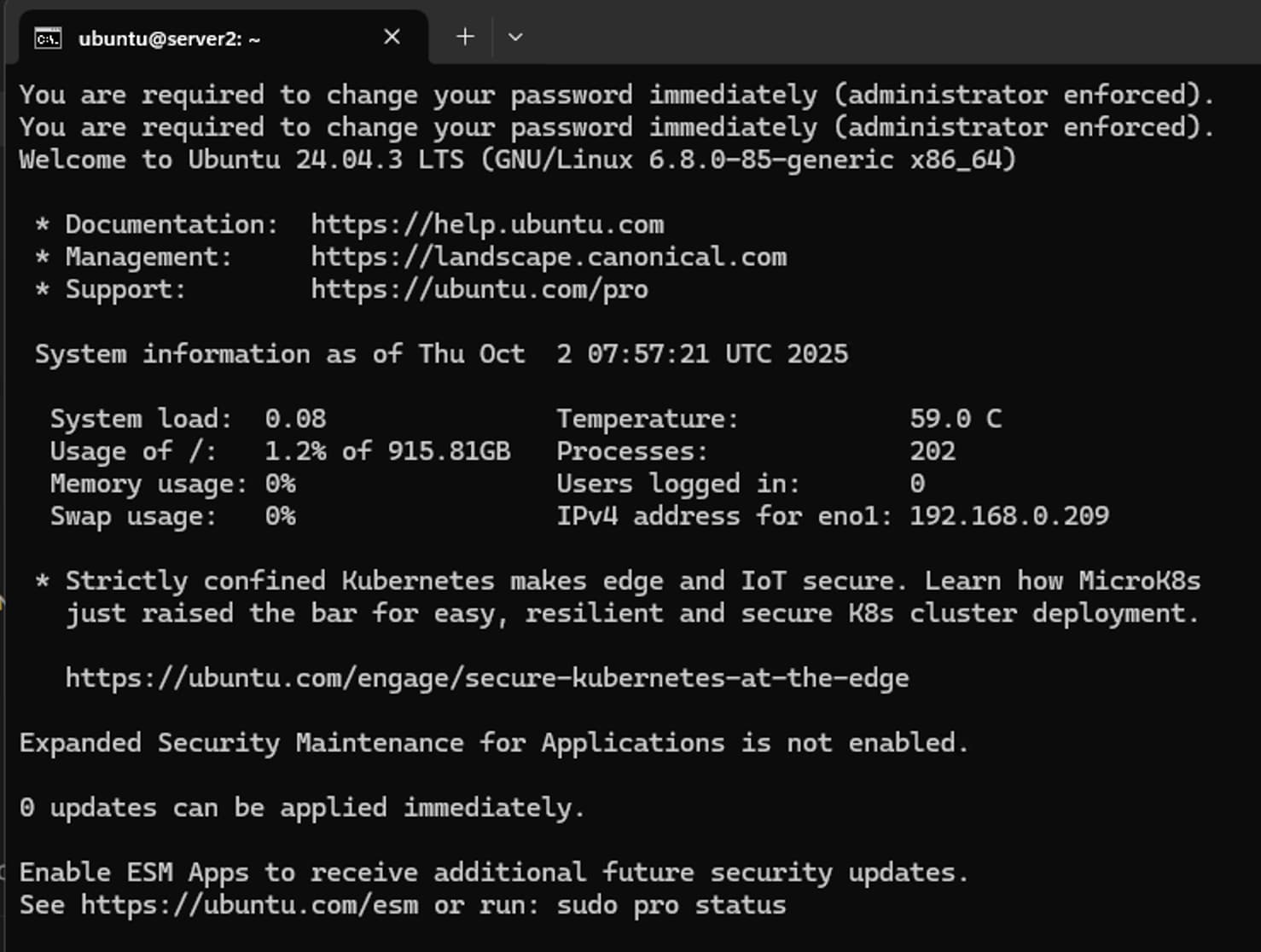
Just curious, I received this notification on my first logon to the managed machine. Is this mandatory password prompt a new feature introduced in the latest MAAS release? Thanks
Hi r00ta, here is the screenshot from the first SSH logon to the managed machine, followed by a prompt to change the password.
WARNING: Your password has expired.
You must change your password now and login again!
Changing password for ubuntu.
Current password:
New password:
Retype new password:
passwd: password updated successfully
Connection to server2.maas closed.
It is a brand new deployed machine without any extra env variables configured.
–
You are right–I found a customised curtin located at /var/snap/maas/current/preseeds/curtin_userdata_ubuntu which was set up several months ago.
I had entered /snap/maas/current/ so I did not see my customised configs, which are actually located at /var/snap/maas/current/.