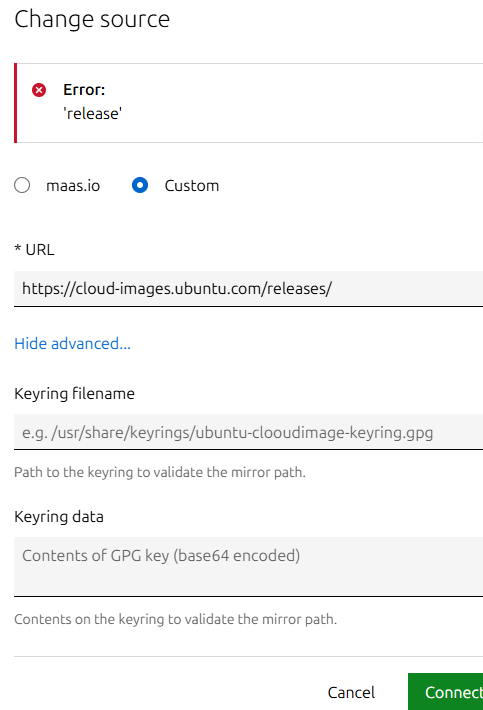
Hi, I saw a institutions about how to change the image source below:
and I tried to use the URL:
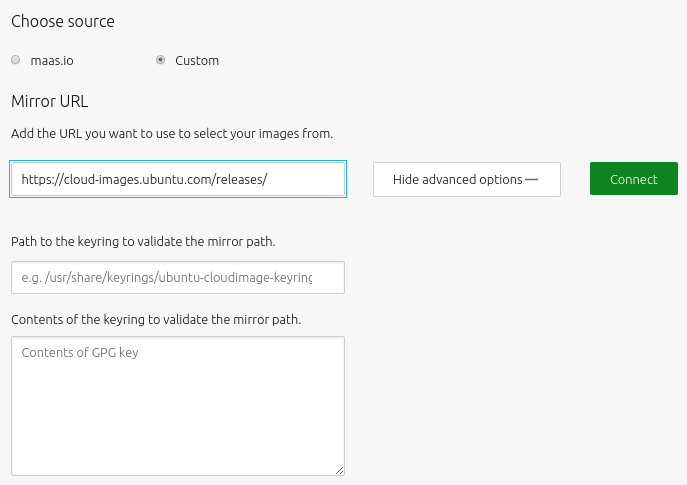
then I got the error:
Error:
‘release’
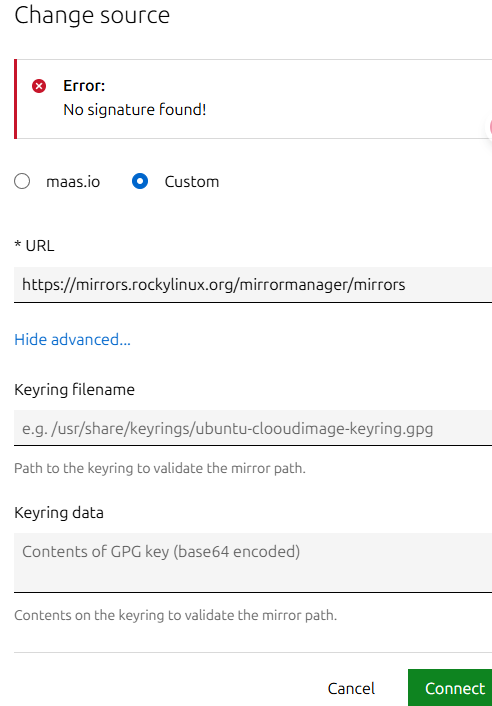
And when I use other URL I got errors like this:
Error:
No signature found!
or
Error:
Unable to open [my source URL]/streams/v1/index.sjson. mirrors=
Hi @lxl2024
Please use the MAAS-specific image sources:
https://images.maas.io/ephemeral-v3/stable/https://images.maas.io/ephemeral-v3/candidate/
See the updated doc page: MAAS | About images
Thx for your answer @alemar99
So I can not change the image source, but only can use the MAAS-specific image sources right
?
Can I use MAAS to deploy ROCKY linux or any other system except Ubuntu/Centos or windows?
Yes you can. You have to use custom images though.
Please have a look at our repository where you can find templates for custom images and instruction on how to upload them to MAAS: GitHub - canonical/packer-maas: Packer templates to create MAAS deployable images
Are there any docs that can help with setting up the simplestreams server to host custom images?
Thx! @alemar99
Are there any DOCs to guide the processes?
and BTW:
maas $PROFILE boot-resources create name=‘custom/rocky8’
title=‘Rocky 8 Custom’ architecture=‘amd64/generic’
base_image=‘rhel/8’ filetype=‘tgz’
content@=rocky8.tar.gz
Like the code above, what does “$PROFILE” mean?
$PROFILE means the profile you are currently logged in with.
To authenticate in the CLI you usually do:
maas login $PROFILE http://10.10.0.16:5240/MAAS/api/2.0 <your-apikey>
Where $PROFILE can be any profile name you would like to assign it (e.g. admin, user, your-username, etc.).
Regarding the documentation to create and upload custom images, you can follow the README inside the directory of the template you are interested to.
For rocky 8 would be: packer-maas/rocky8 at main · canonical/packer-maas · GitHub
And for rocky 9: packer-maas/rocky9 at main · canonical/packer-maas · GitHub
r00ta
8
Nope, you have to understand the format of Index of /ephemeral-v3/stable and add your images in the right directories and in the manifest Index of /ephemeral-v3/stable/streams/v1